-
How to test the connection to TM1
Pulse needs to authenticate to IBM Planning Analytics (TM1) via the REST API. Pulse includes a script to test how long it takes to authenticate to TM1. Starting with Pulse v6.2.0, two powershell scripts are available in the utils folder: How to run the script When your TM1 application is setup with basic authentication (security…
-
Connecting Arc to Pulse
-
How to Get the Most out of MDX Forms with Slice

MDX forms are an incredibly powerful add-on to the existing Excel reports in IBM Planning Analytics (TM1) and they offer a tremendous level of flexibility and customization to get you the results that you need. In this article, we’re going to go deeper into some of the more advanced use cases, so if you’d like…
-
Arc settings.yml file

-
Applying your own naming conventions for parameters and variables in Arc
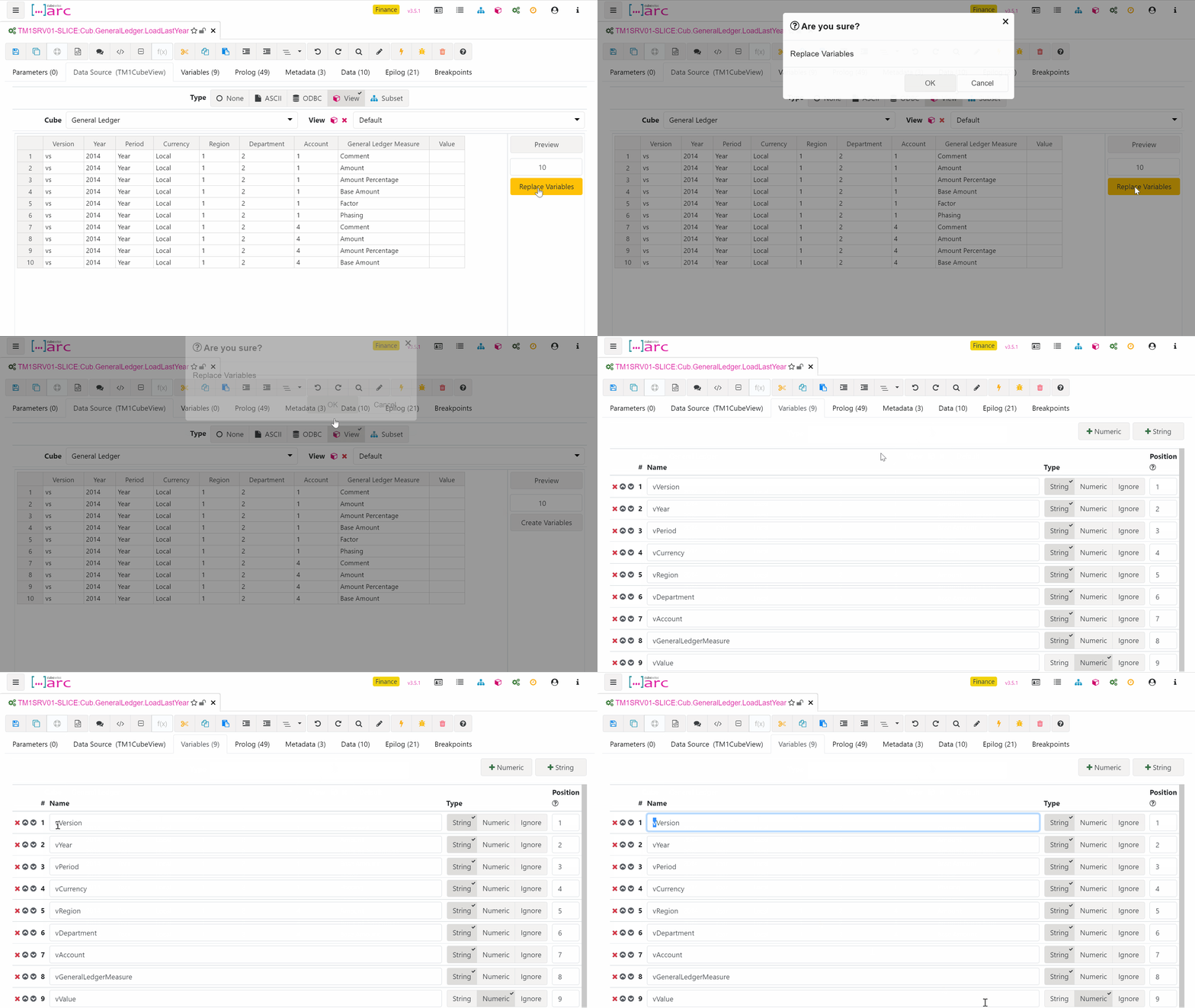
Process naming is used by Arc when adding prefixes to new parameters and variables. It is also used for matching variables against dimension in CELLGET and CELLPUT functions. For example a variable called vAccount will automatically be inserted into a CELLGET (using auto-complete) if it has a dimension named Account.
-
Hiding the authorized user email

-
Slice Hands On
-
Arc for TM1 Hands-on Part 2

-
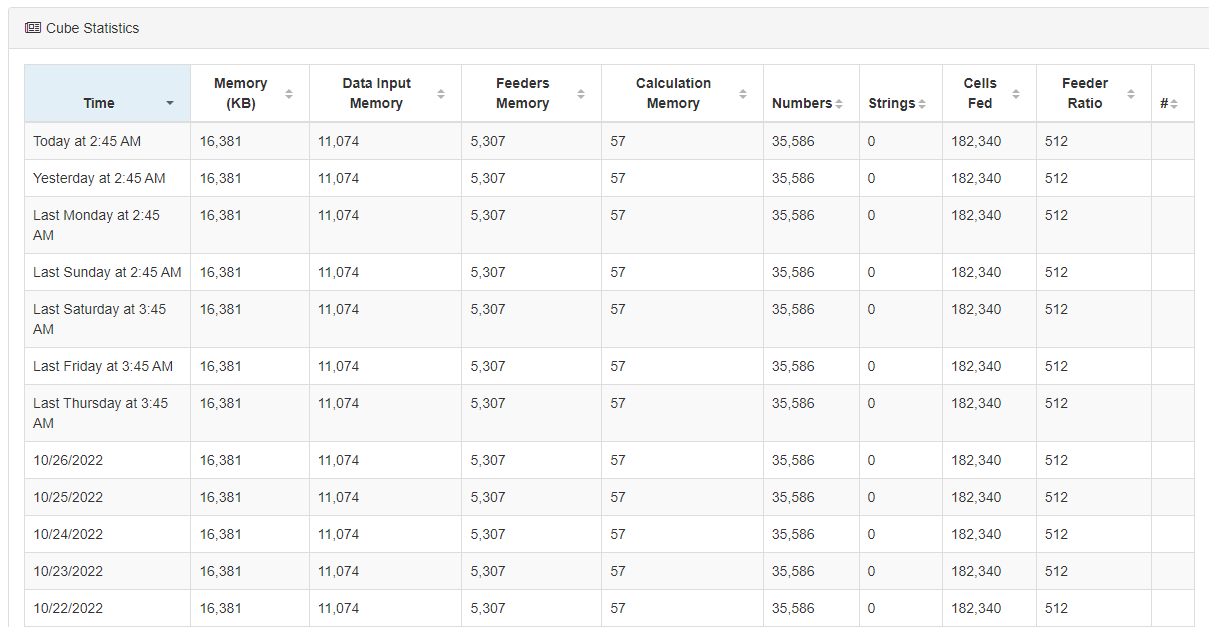
Why Pulse is turning on Performance Monitor in TM1
-
Enabling Chore and Process History in the database.