-
Configure Pulse Monitor to show the active threads only

In the Pulse monitor, you can see the active threads (the one which are running) and also the non Active threads (finished a few minutes ago):
-
Filter Pulse Notifications
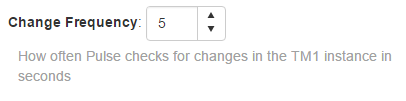
By default, Pulse creates a notification message when a change has been made in any TM1 object.
-
Version 5.3 Released

Enhancements
-
Customisation of TM1 instance list by user
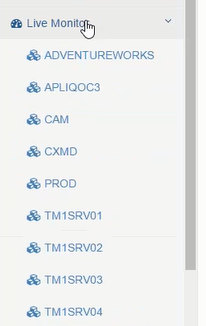
With Pulse v5.3, you can now customize the list of TM1 instances by user. When you are not logged into Pulse you see the default Public user list which is all TM1 instances on the server:
-
Chore history detail displayed when GANTT chart clicked
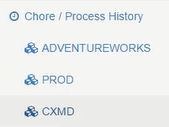
Pulse gives you a visual representation of when your chores run on the Chore / Process History Gantt chart. Under Chore / Process History, click on your TM1 instance:
-
Save multiple settings with save all

With v5.3 you can now save settings for multiple instances at the same time. Go to Administration then Instance Settings:
-
Change Tracking – Filter by specific TM1 object type

In Change Tracking, you are now able to filter by TM1 object type. Go to Change Tracking then Change History and click on your TM1 instance:
-
View Pulse history in the About page
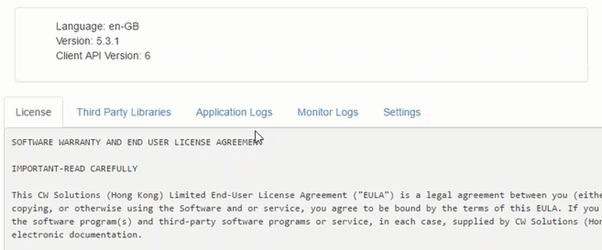
With Pulse 5.3, you can see the Pulse logs in the About page:
-
Reorder instance on the dashboard

On dashboard now you can reorder your TM1 instances:
-
Include or Exclude feeder files in offline packages

With Pulse v5.3, you can now include or exclude feeder files before creating offline package.