-
Installing Pulse on Linux
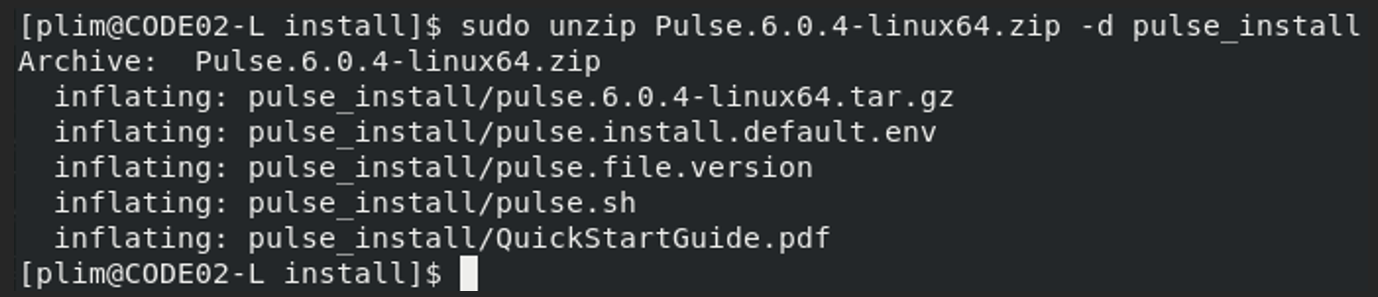
Starting with Pulse v6.1, Pulse can be installed on a Linux server. The recommended Linux version is Red Hat Enterprise Linux 8.4. Given the nature of CentOS, this may run on that environment too.
-
Pulse v6.1 is now available
A new release of Pulse v6 is now available. In addition to being able to monitor IBM Planning Analytics (TM1) SaaS instances, Pulse can now be installed on Linux and monitor TM1 instances running on a Linux server.
-
Learn how to set the starting cell when using an Exploration or List
For IBM Planning Analytics for Excel
-
How to code faster and smarter with Arc
Learn tips to boost your productivity as TM1 Developer
-
How to build Active Forms with Hierarchies using Slice

Using Slice
-
Using N_CONNECT in Slice
N_CONNECT is a VBA function to create a connection with an IBM Planning Analytics (TM1) instance. It can be used in a worksheet or VBA (via Application.Run)
-
Unpacking the Benefits of Elasticsearch and Kibana in Pulse

Pulse 6 brings more flexibility and data capabilities to IBM Planning Analytics (TM1) administrators and developers of all kinds. We’ve been so excited to see how it is changing the way that our users interact with their organization’s data and in truth, there is so much more value to be unlocked as you start to…
-
Using Grafana with Pulse for TM1
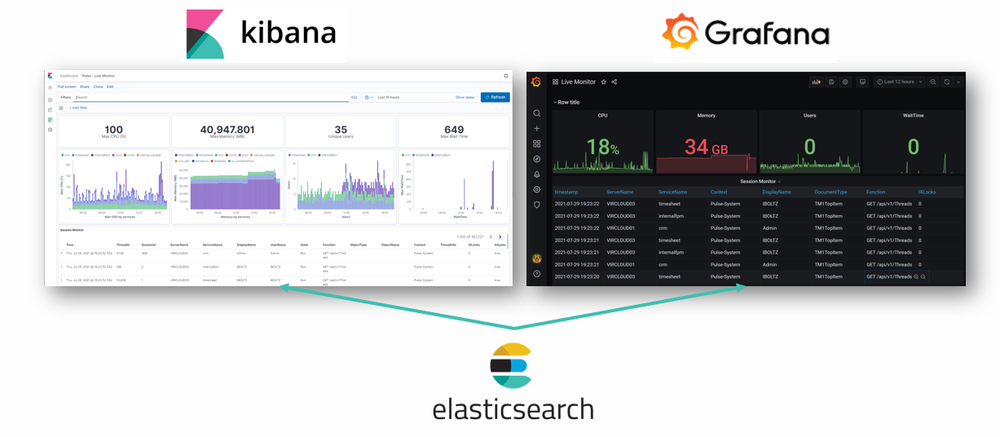
Pulse 6 comes with the open source version of Elasticsearch and Kibana. Elasticsearch is the search engine where Pulse stores the data and Kibana is the visualization tool powering the Pulse Explorer.
-
Increasing the Pulse Web client session timeout
By default the Pulse Web client sessions timeout after 20 min of inactivity. To update the timeout value:
-
Arc and Slice v3.2 are now available
A new version of Arc and Slice is now available to download. v3.2 includes a new Administration module to view all IBM Planning Analytics releases.