-
Pulse for TM1 health check
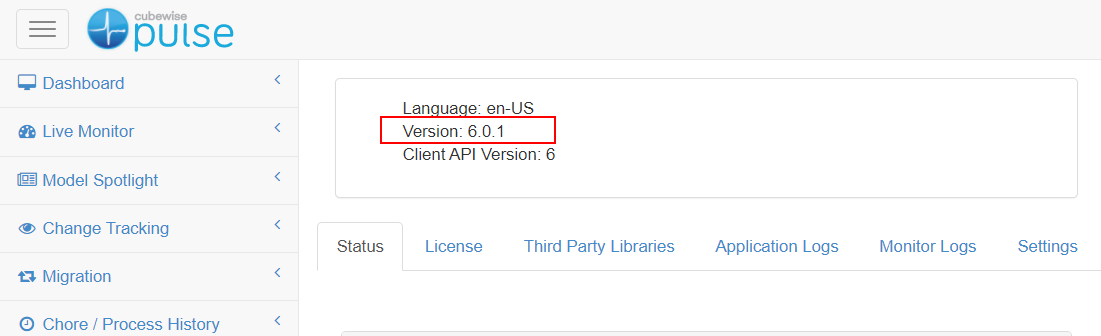
Most of the errors when using the Pulse migration features are coming from misconfiguration. If you haven’t used Pulse for a while, it is recommended to go through this checklist before using the Pulse migration feature:
-
Reasons why you can’t see a TM1 instance in Pulse
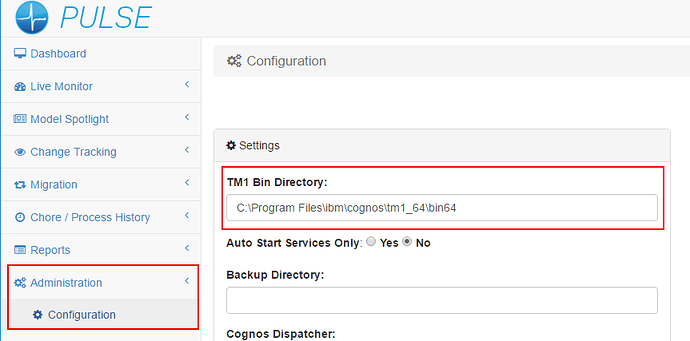
Please find below the different reasons why you would not be able to see a IBM Planning Analytics (TM1) instance in Pulse:
-
Troubleshooting Pulse Excel logging

Pulse uses an Excel add-ins to monitor how Excel is used by TM1 users. Starting with Pulse v5.6, you can choose between two Excel add-ins. We recommend using the new Excel Logger instead of Extend. Excel Logger is a lighter version that will work better for Excel 2016 64 bits than Extend. If you just need the logging…
-
Connecting Data Lake into TM1
Even if IBM Planning Analytics with Watson (TM1) can handle massive amount of data, you get the requirement to either load or extract data from another system. It could be a data lake like the one from Azure or Amazon.
-
Silent / Unattended installation of Pulse for TM1
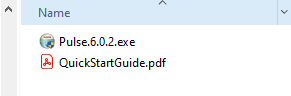
Starting with v6.0.2, Pulse can be installed from a script. This article explains the steps to do silent/unattended installation of Pulse:
-
Pulse v5 end of support June 2022

Pulse v5 will be supported until June, 30th 2022, which means we will be providing new releases and fixes until that date.
-
Upgrading the Pulse Monitor
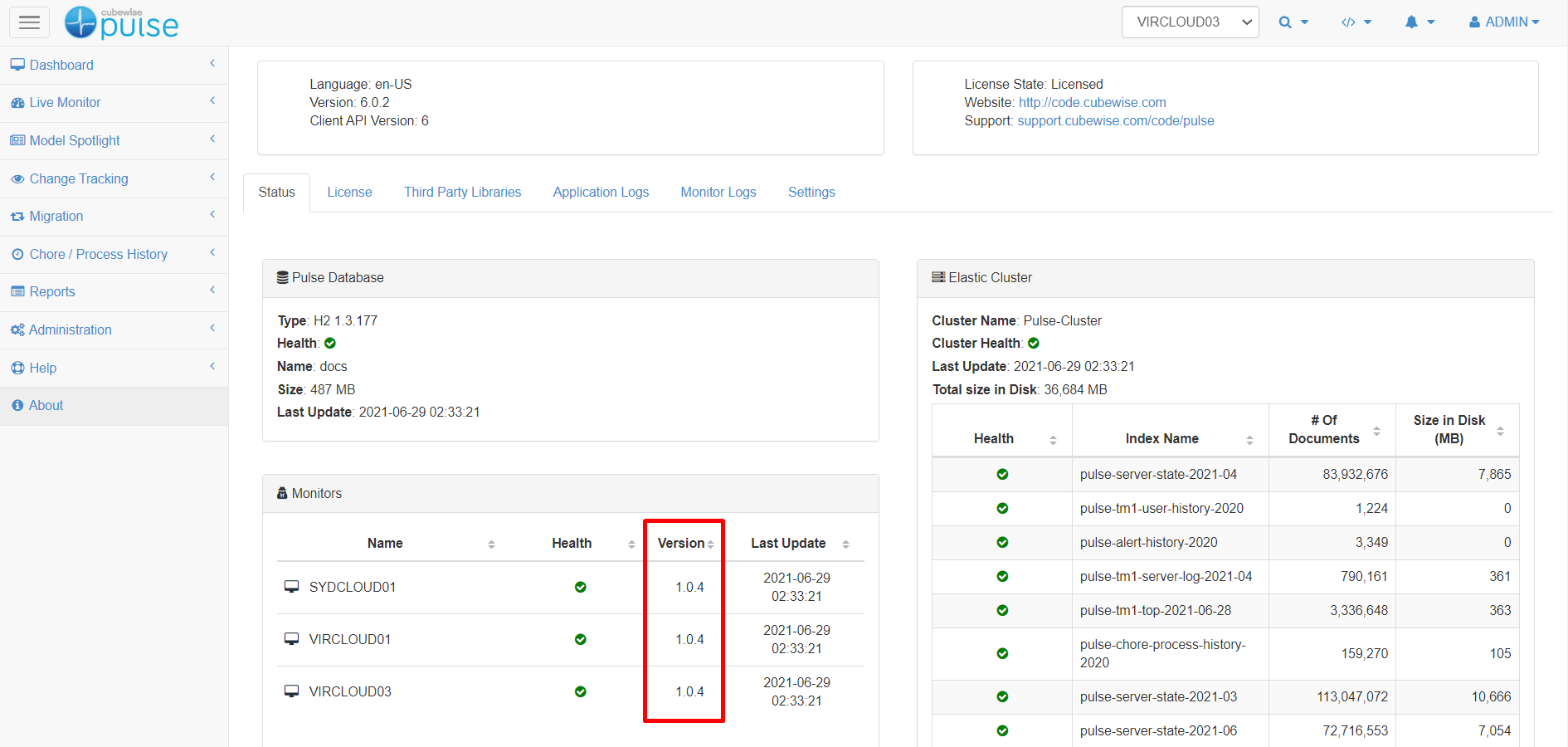
The Pulse Monitor version number can be found in the Status tab of the Pulse About page as below:
-
Upgrading Pulse 6
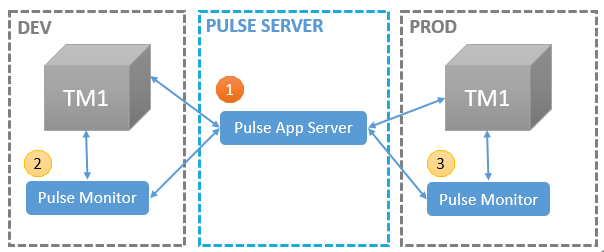
If your Pulse version is v5.x, you should read the article below:
-
Creating a migration package from a preselected list in a file
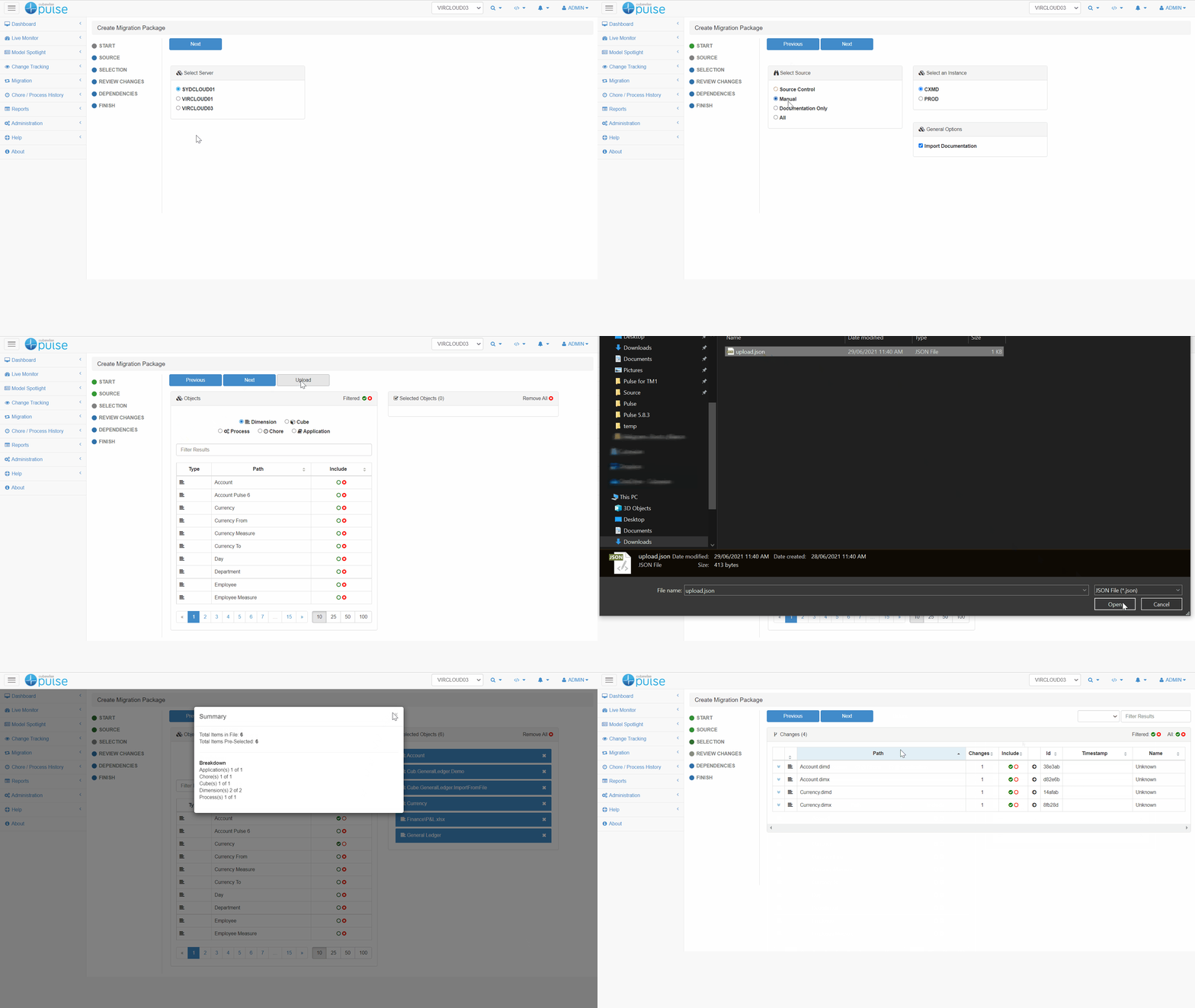
If you are not familiar with the Pulse migration feature, you should read first the article below:
-
How to integrate NetSuite with TM1
https://forum.cubewise.com/t/netsuite-integration/4389