-
Troubleshooting Slice

Slice add-in for Excel connects users to Planning Analytics allowing the users to build dynamic reports connected to TM1 cubes. While it introduces advanced analytical functions, users may encounter challenges. Effective troubleshooting ensures Slice’s smooth operation, allowing for comprehensive utilization of its features for insightful data analysis. Below you will find some of the known…
-
Pulse Installation Guide

-
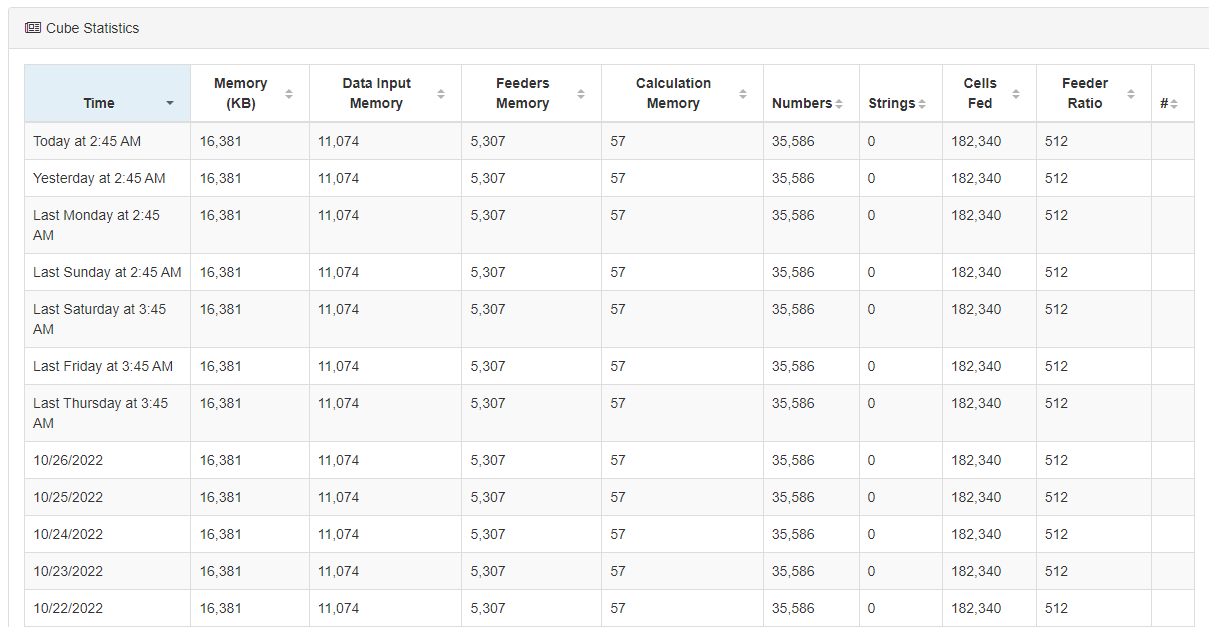
Why Pulse is turning on Performance Monitor in TM1
-
How does Pulse determine if a TM1 instance is offline
-
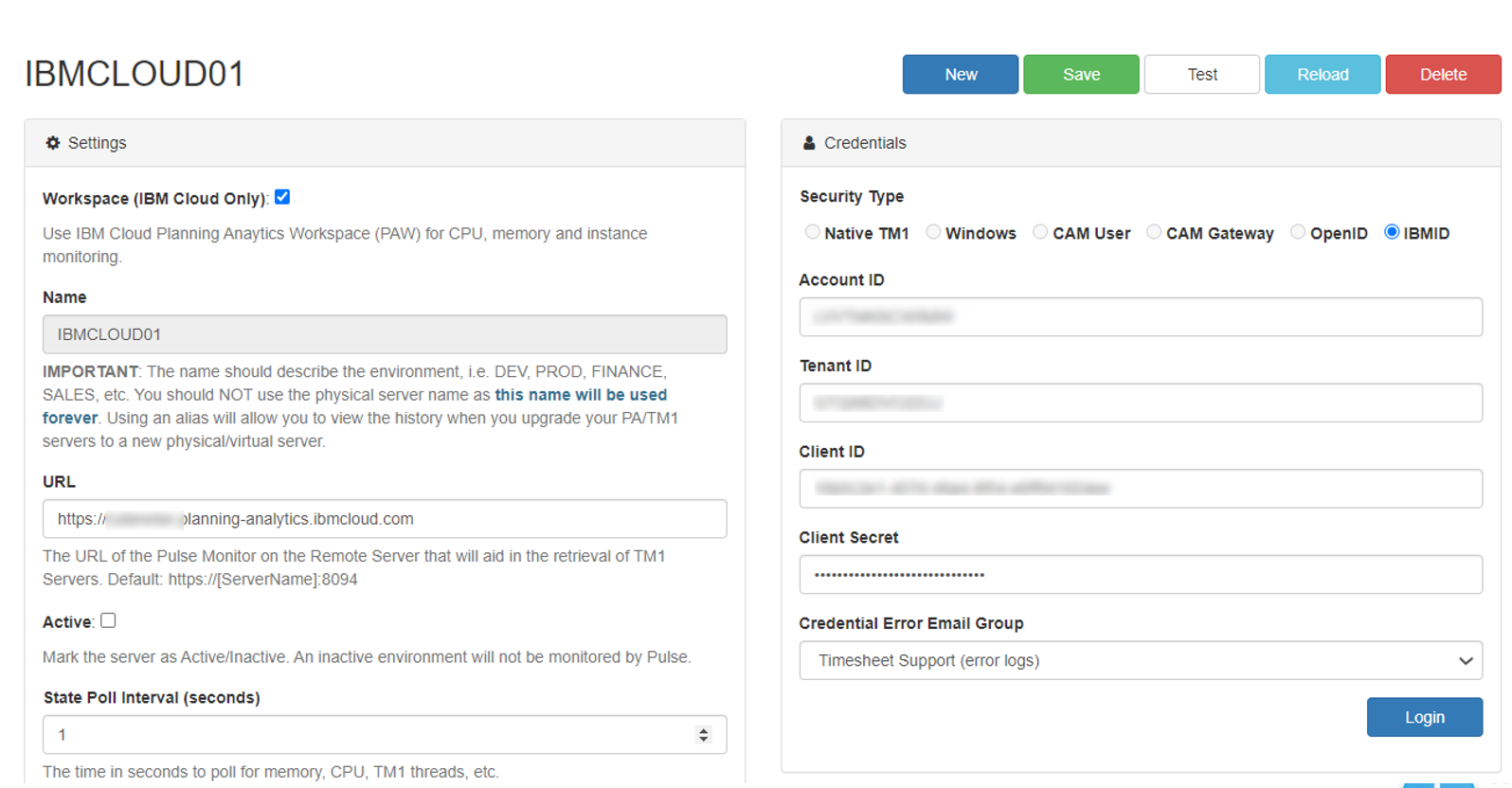
Connecting Pulse to a PA SaaS instance with the non-interactive account
-
Increasing the Pulse Web client session timeout
-
Creating a support ticket
-
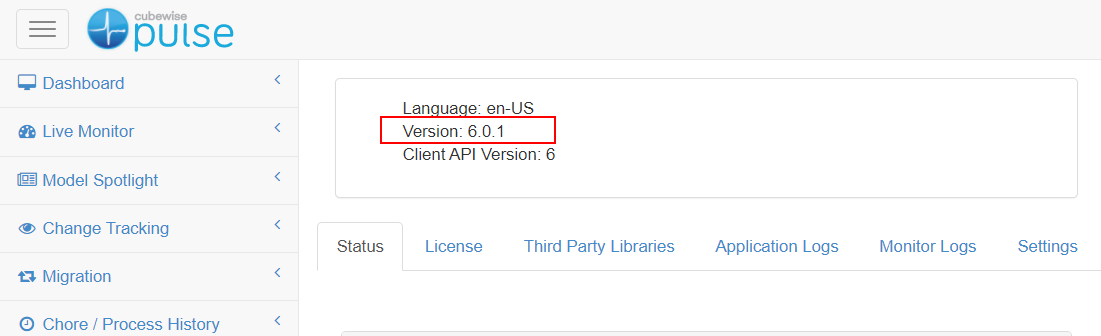
Pulse for TM1 health check
-
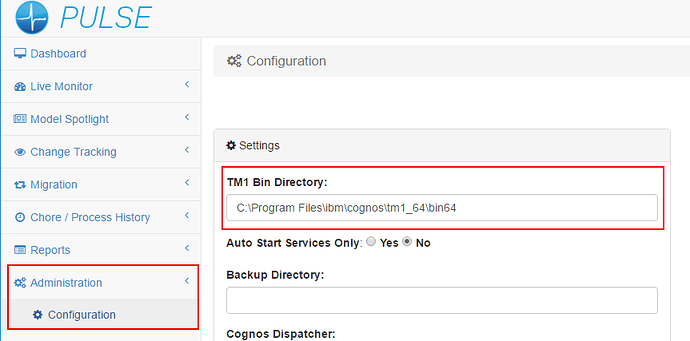
Reasons why you can’t see a TM1 instance in Pulse
-
Troubleshooting Pulse Excel logging

Pulse uses an Excel add-ins to monitor how Excel is used by TM1 users. Starting with Pulse v5.6, you can choose between two Excel add-ins. We recommend using the new Excel Logger instead of Extend. Excel Logger is a lighter version that will work better for Excel 2016 64 bits than Extend. If you just need the logging…